

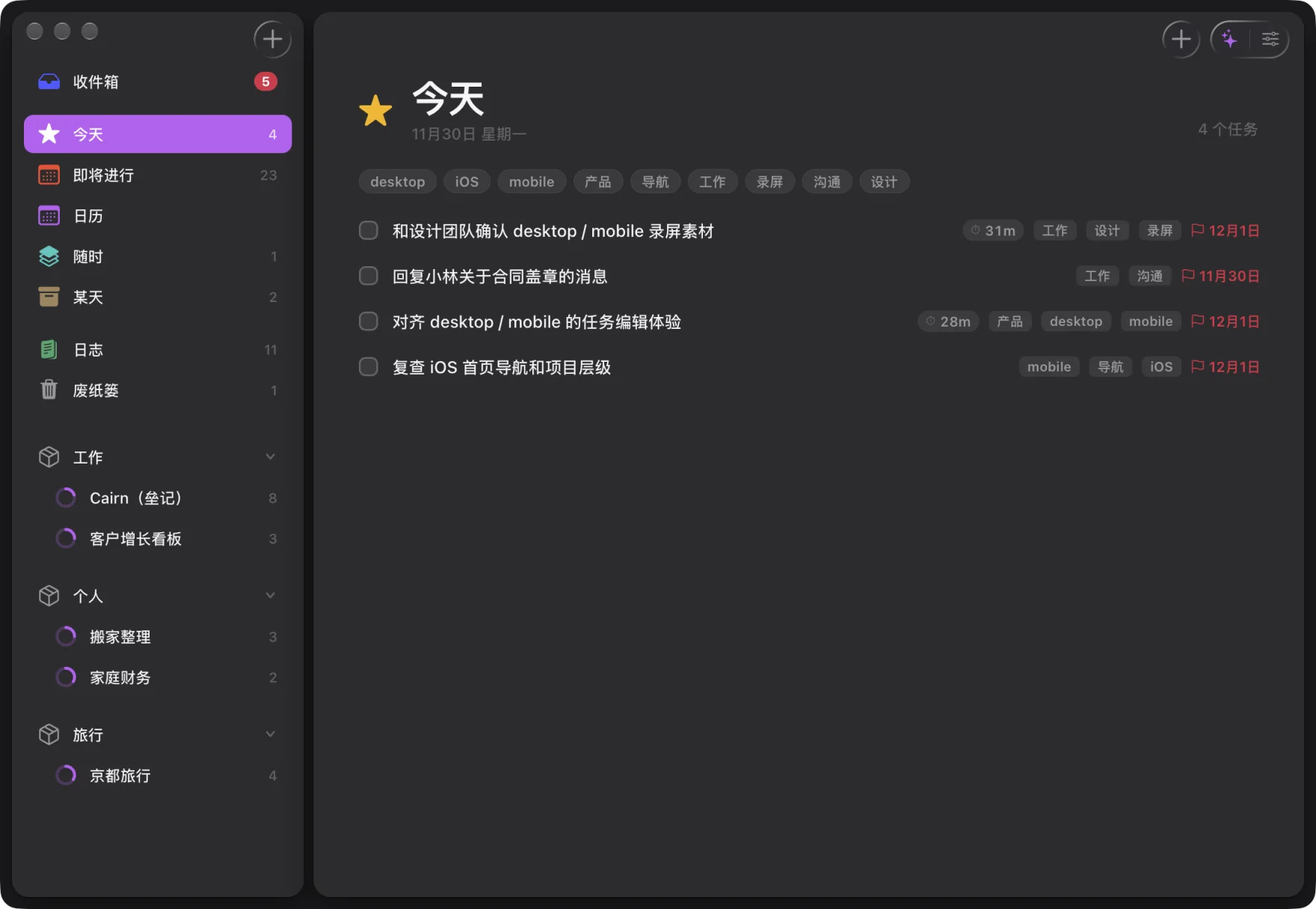
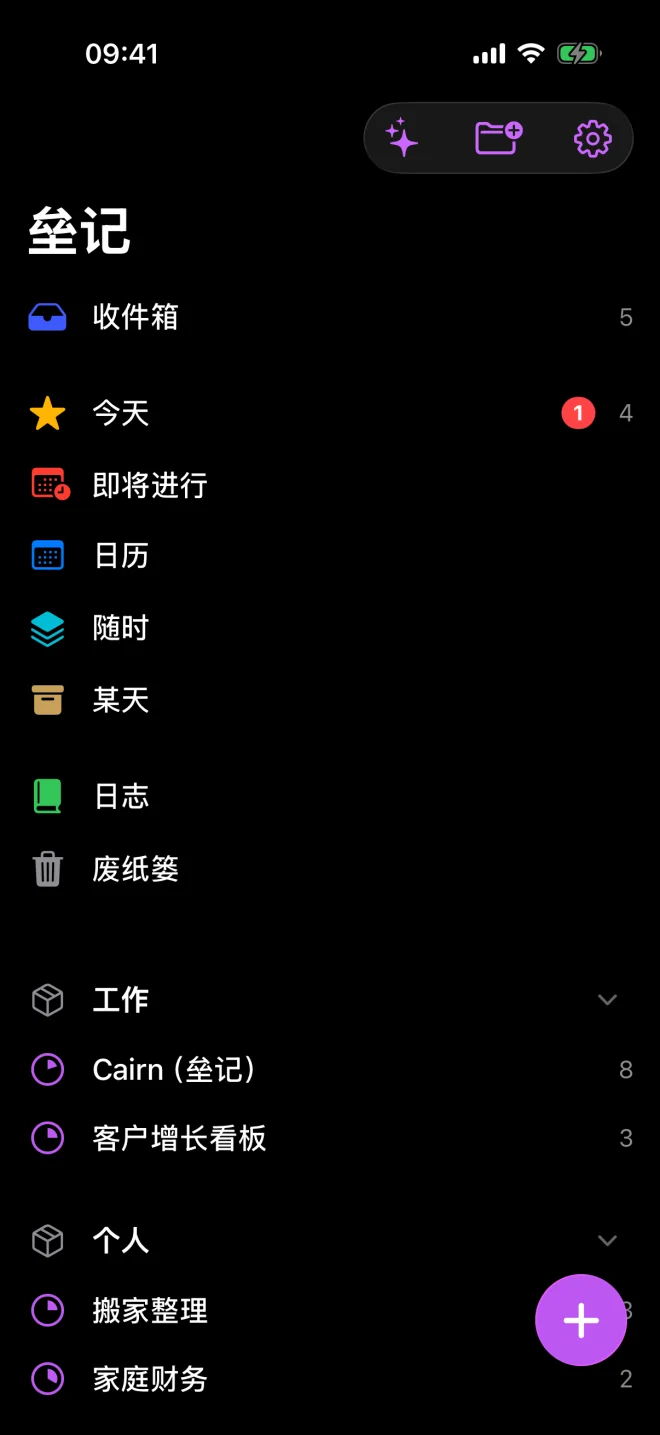
Native on every Apple device
A Mac app, an iPhone and iPad app, and Today widgets for the Home Screen and Lock Screen. Everything stays in sync through iCloud.
GTD for Mac, iPhone and iPad
Cairn turns scattered thoughts into a calm, ordered system — and an AI assistant does the sorting with you.


Free to download. Cairn Pro includes a 7-day free trial.
Cairn AI
No commands to learn. Describe the change, and the assistant edits your tasks — asking first, or on its own once you allow it.
Bring your own model for free, or use Cairn AI with Cairn Pro — no API key needed.
How it works
Type or speak whatever is on your mind. It all lands in the Inbox — no decisions yet.
The assistant reads each item, adds dates and tags, and turns vague notes into actions.
Tasks settle into Today, Upcoming and Someday, and into the projects they belong to.
Work through Today. Every finished task adds a stone to your cairn.
Features
A Mac app, an iPhone and iPad app, and Today widgets for the Home Screen and Lock Screen. Everything stays in sync through iCloud.
Planned dates and deadlines across a month, a week or a single day.
Hold + and speak. Transcription happens on your device; the audio never leaves it.
Reminders arrive on time on your Mac and iPhone, even when Cairn isn't open.
Daily, weekly, monthly or yearly. The next one appears as soon as you finish.
Time a task while you work and see where the day went.
A built-in MCP server lets AI tools on your Mac read and organize your tasks. It only listens on this Mac.
Your tasks live on your devices and in your own iCloud. No sign-up and no account to create.
Why Cairn
 Cairn |
Notes apps | All-in-one workspaces | Basic to-do lists | |
|---|---|---|---|---|
| Capture in seconds | ||||
| Today, Upcoming and Someday views | ||||
| AI that edits your tasks | ||||
| Native on Mac and iPhone | ||||
| No sign-up, works offline | ||||
| Ready in a minute |
Pricing
Free
Monthly or yearly
7-day free trial
Payment is charged to your Apple Account when you confirm the purchase or when the free trial ends. The subscription renews automatically unless canceled at least 24 hours before the end of the current period. Manage or cancel it in your Apple Account settings.
Cairn AI is not yet available in mainland China.